
Want to catch up and watch recordings of previous EPNS webinars?
If you haven’t been able to watch the live stream, why not catch up by watching the recordings on the EPNS Moodle in your own time? The EPNS offers FREE live high quality 60–90 minute EPNS webinars almost every 2 weeks with respected expert speakers. Feedback is excellent!
Want to prepare for the EPNS Exam or refresh your knowledge?
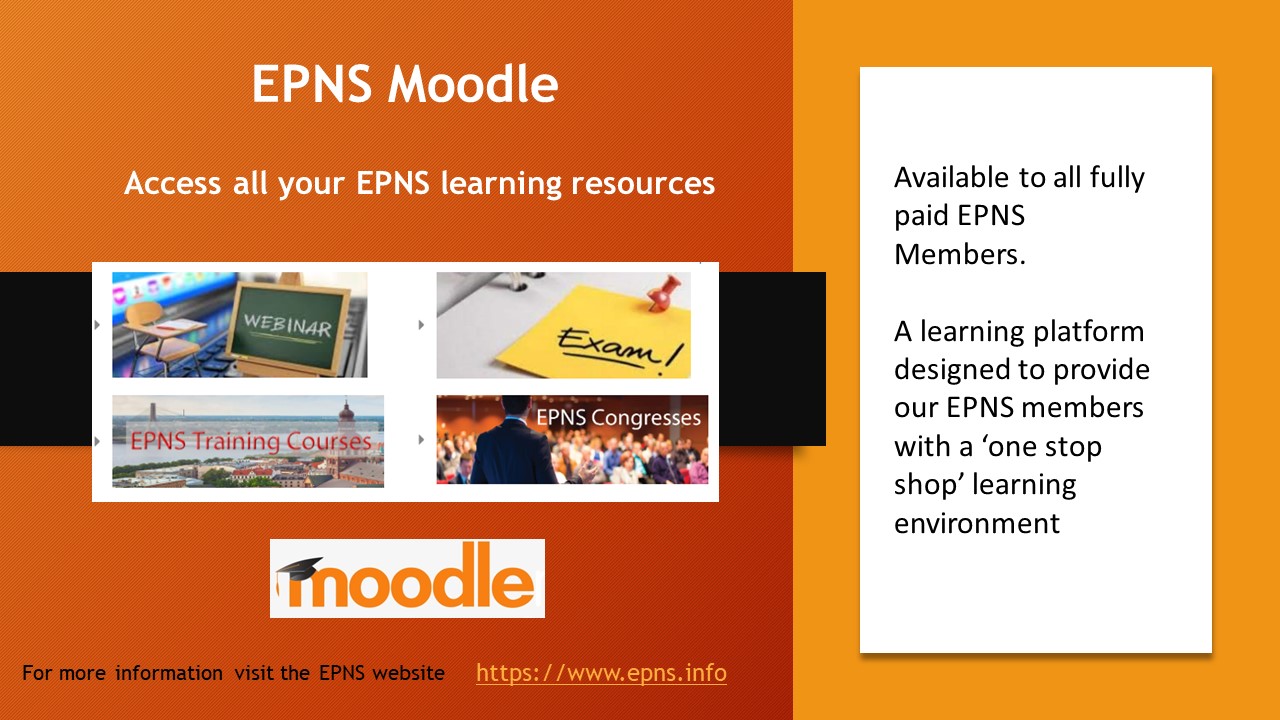
The EPNS Moodle is the place for you! From covering topics in the EPNS training guide, to preparing for the EPNS Exam, to viewing recordings of all EPNS webinars, to revisiting presentations from EPNS Congresses.
EPNS Moodle User Manual (PDF) →
All your questions answered…
Tap any question below to expand the answer.
What is the EPNS Moodle?
The EPNS Moodle is a learning platform designed to provide our EPNS members with a “one stop shop” learning environment where they can find all EPNS educational and scientific resources. It is a new way to access EPNS resources.
Login to the EPNS website as usual, then click on the ‘EPNS Moodle’ button to see webinar recordings, EPNS Training presentations, etc. (see below for more instructions).
Many of our EPNS members will be familiar with the Moodle platform, which is used by several universities and other educational institutions.
Who can use the EPNS Moodle?
All EPNS members who have paid their current year EPNS membership fee now have access to this platform!
Why has the EPNS Moodle been introduced?
The EPNS Moodle will replace accessing EPNS resources via the EPNS website, giving the EPNS scope to offer more resources in the future.
Whilst this is a change for our EPNS members, we are sure that it will not take long for everyone to become familiar with the new EPNS Moodle platform, and we are confident that moving forward this will enable us to provide our EPNS members with even more educational and scientific learning resources.
What does the EPNS Moodle offer?
EPNS members with the current year EPNS membership fee paid will be able to access the following resources and embrace the opportunity to learn more:
- EPNS Webinar recordings — see all webinars here
- Educational
- Journal Club
- Case Discussions
- EEG Club
- Advocacy Training
- EPNS Exam information and study resources — click here
- EPNS Education & Training — authorised materials from previous EPNS Training Courses
- EPNS Scientific & Research — authorised materials from previous EPNS Congresses
- EPNS Guidelines
And more to come your way!
How do I access the EPNS Moodle?
It’s easy, just follow these simple steps:
- Click here to go to the Members’ Area
- Input your username (usually your surname)
- Input your password:
- If you require a password reminder, click on ‘lost your password?’ and you’ll be taken to a screen where you can use the forgotten password tool. You’ll receive an email to reset your password within 5 minutes — please check your spam folder if it doesn’t appear in your inbox.
- Or simply email info@epns.info for assistance with your password.
- Click on the orange ‘EPNS Moodle’ button
- Click on the ‘EPNS Access’ button
When you access the EPNS Moodle for the first time, you will be sent an email to verify your login/email address:
- Check your inbox for the ‘account confirmation’ email
- Click on the link within the email, which will take you to the EPNS Moodle confirmation page
- Input your first name and surname
- The email address will be prepopulated and MUST match the email address held on your EPNS records
- The other fields on this confirmation page are optional
- Click ‘update your profile’
- You have now entered the EPNS Moodle dashboard!
Next time you click ‘EPNS Access’ for the EPNS Moodle, you will not need to enter your confirmation data — you will be taken straight to the EPNS Moodle home page.
Who do I Contact if I have questions about the EPNS Moodle?
Please send any questions or comments to info@epns.info.
Why can’t I see the EPNS Moodle button?
To access the EPNS Moodle, you must be an EPNS member who has paid their current year EPNS membership fee. If you have any questions about this, please email info@epns.info.
How do I move around the EPNS Moodle?
When you access the EPNS Moodle you will land on the home page. On the top menu you will see several headings.
Click on any of these headings to drill down and browse the resources which are available.
Can I customise the EPNS Moodle dashboard page?
Whilst it is not necessary, our EPNS members are welcome to customise their own EPNS Moodle Dashboard page.
Can I use the EPNS Moodle on my mobile phone?
Yes, you can login to the EPNS website and use the EPNS Moodle on any of your devices. In fact, the EPNS Moodle has been designed in a simple format, so it is easy to read on your mobile phone.
What happens if I want to change my email address?
The email address recorded on the EPNS Moodle must also be changed, because the two email addresses must always match. You can do this either by updating your email address within your EPNS Moodle profile, or by emailing the request to info@epns.info.